
Introduction
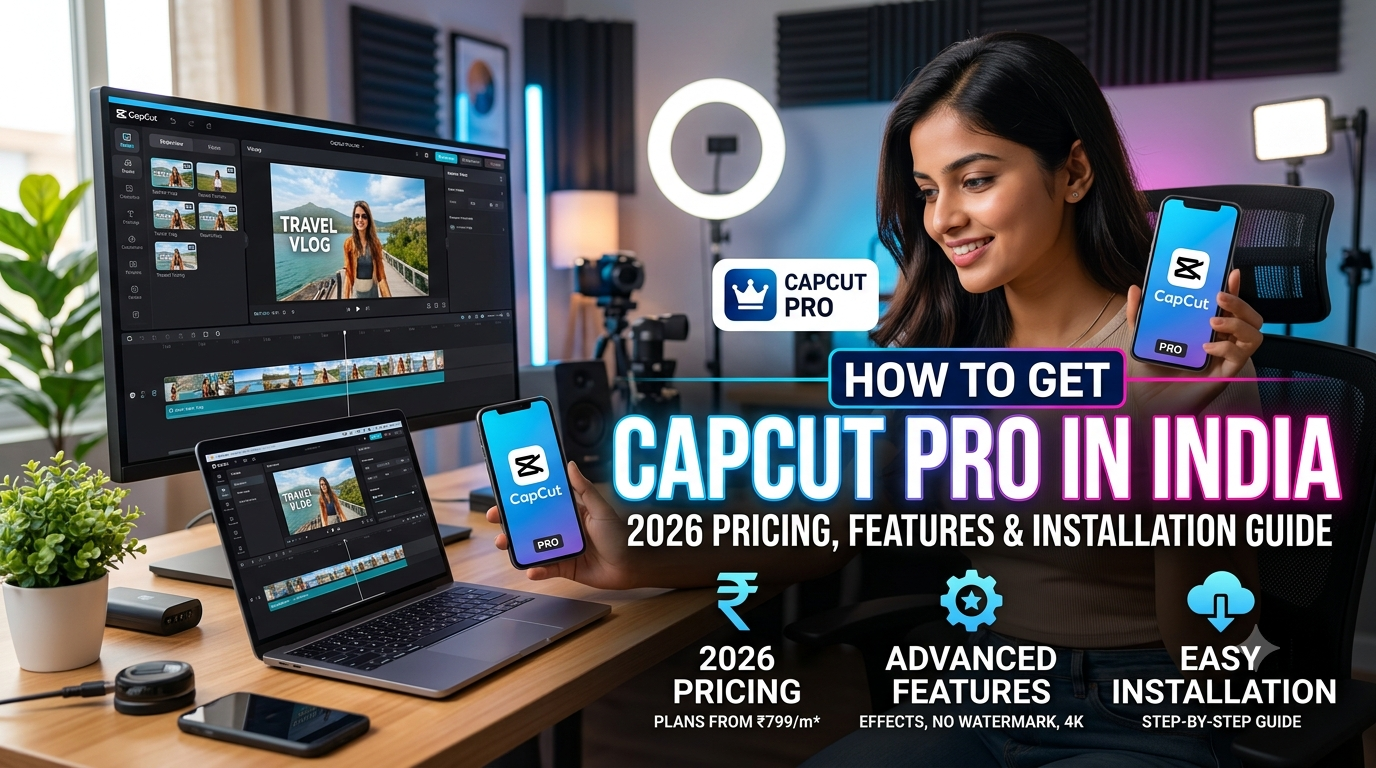
How To Get CapCut Pro in India is a common question among creators, influencers, YouTubers, and businesses looking to unlock premium video editing features. While the free version of CapCut offers many useful tools, CapCut Pro provides advanced AI features, premium effects, cloud storage, and a smoother editing experience.
This guide explains the official ways to get CapCut Pro in India, how the subscription works, its pricing, installation steps, and whether upgrading is worth it.
What is CapCut Pro?
CapCut Pro is the premium version of CapCut, offering advanced editing tools for creators who want professional-quality videos.
Popular users include:
-
- YouTubers
-
- Instagram Creators
-
- Reels Editors
-
- TikTok Creators (where available)
-
- Small Businesses
-
- Marketing Agencies
-
- Freelance Video Editors
- https://bigfile.store/products/capcut-pro-6-month-subscription
Is CapCut Pro Available in India?
Availability and subscription options can change over time depending on regional policies and app store availability. The easiest way to check current availability is through the official CapCut app or its official website.
If CapCut Pro is available in your region, you can subscribe directly through supported payment methods or purchase an authorized subscription from a trusted reseller where applicable.
CapCut Pro Pricing in India
CapCut offers different subscription plans depending on your region and platform.
Typical plans may include:
| Plan | Billing |
|---|---|
| Monthly | Pay every month |
| Annual | Lower effective monthly cost |
| Team Plans | For businesses and creators |
Note: Prices may vary due to taxes, promotions, exchange rates, and platform-specific pricing.
CapCut Pro Features
Premium Effects
Access hundreds of premium transitions, templates, animations, and visual effects.
AI Video Editing
CapCut Pro includes AI-powered tools such as:
-
- AI Background Removal
-
- AI Captions
-
- AI Voice Enhancement
-
- AI Image Generation (where available)
-
- AI Video Upscaling
Premium Fonts & Stickers
Unlock exclusive fonts, stickers, and design assets.
Cloud Storage
Save projects online and continue editing across multiple devices.
No Watermark on Eligible Exports
Certain premium workflows allow cleaner exports compared with free-tier limitations.
High-Quality Export
Export videos in higher resolutions and frame rates, subject to your device capabilities and subscription features.
How To Get CapCut Pro in India
The safest approach is to use official channels.
Step 1
Install CapCut from the official app store for your device or download it from the official CapCut website for desktop.
Step 2
Create or sign in to your CapCut account.
Step 3
Open the Pro or Upgrade section inside the app.
Step 4
Choose the subscription plan that best fits your needs.
Step 5
Complete the payment using one of the supported payment methods available in your region.
Step 6
After activation, your Pro features should become available on your account.
Installation Guide
Android
-
- Install CapCut from the official app store.
-
- Open the app.
-
- Sign in.
-
- Upgrade to Pro if desired.
iPhone (iOS)
-
- Download CapCut from the App Store.
-
- Sign in.
-
- Select a Pro plan if available.
-
- Confirm the purchase using your Apple ID.
Windows PC
-
- Download the official desktop version from CapCut’s website.
-
- Install the software.
-
- Log in with your account.
-
- Subscribe to Pro if needed.
Mac
-
- Install the official macOS version.
-
- Log into your account.
-
- Upgrade through the app if available.
CapCut Free vs CapCut Pro
| Feature | Free | Pro |
| Basic Editing |  |
|
| Premium Effects | Limited | |
| AI Features | Limited | |
| Premium Templates | |
|
| Cloud Features | Limited | |
| Exclusive Assets |  |
|
| Priority Updates | |
|
Is CapCut Pro Worth It?
CapCut Pro is worth considering if you:
-
- Create videos regularly.
-
- Manage social media accounts.
-
- Edit YouTube videos.
-
- Produce client content.
-
- Run a marketing agency.
-
- Need advanced AI editing tools.
If you only edit occasionally, the free version may be sufficient.
Why Many Businesses Choose GrowNoida
If you’re looking for more than just editing software, GrowNoida helps businesses create professional marketing content using AI-powered workflows.
Services include:
-
- Video Editing
-
- Social Media Marketing
-
- Graphic Design
-
- Website Development
-
- SEO
-
- Google Ads
-
- AI Content Creation
-
- Branding
Whether you need a website, social media campaigns, or creative assets, GrowNoida offers end-to-end digital marketing solutions.
Frequently Asked Questions
Is CapCut Pro free?
No. CapCut Pro is a paid subscription, though CapCut also offers a free version with many editing features.
Can I use CapCut Pro on multiple devices?
This depends on your account and subscription terms. Check the latest details within your CapCut account settings.
Does CapCut Pro remove all limitations?
CapCut Pro unlocks many premium tools, but available features may vary by region, platform, and subscription.
Which is better: CapCut Free or CapCut Pro?
If you edit videos frequently or need premium templates and AI tools, CapCut Pro offers additional value. Casual users may find the free version sufficient.
Is CapCut Pro good for YouTube?
Yes. Many creators use CapCut Pro to produce YouTube videos, Shorts, Instagram Reels, and other social media content.
Conclusion
How To Get CapCut Pro in India is straightforward when using official channels. By subscribing through supported platforms, you gain access to advanced editing features, premium assets, and AI-powered tools that can improve your video production workflow.
If you’re a content creator, freelancer, or business producing videos regularly, CapCut Pro can be a worthwhile investment. Pairing professional editing software with a strong marketing strategy can help your content stand out and reach a wider audience.
 Abhishek Kumar